
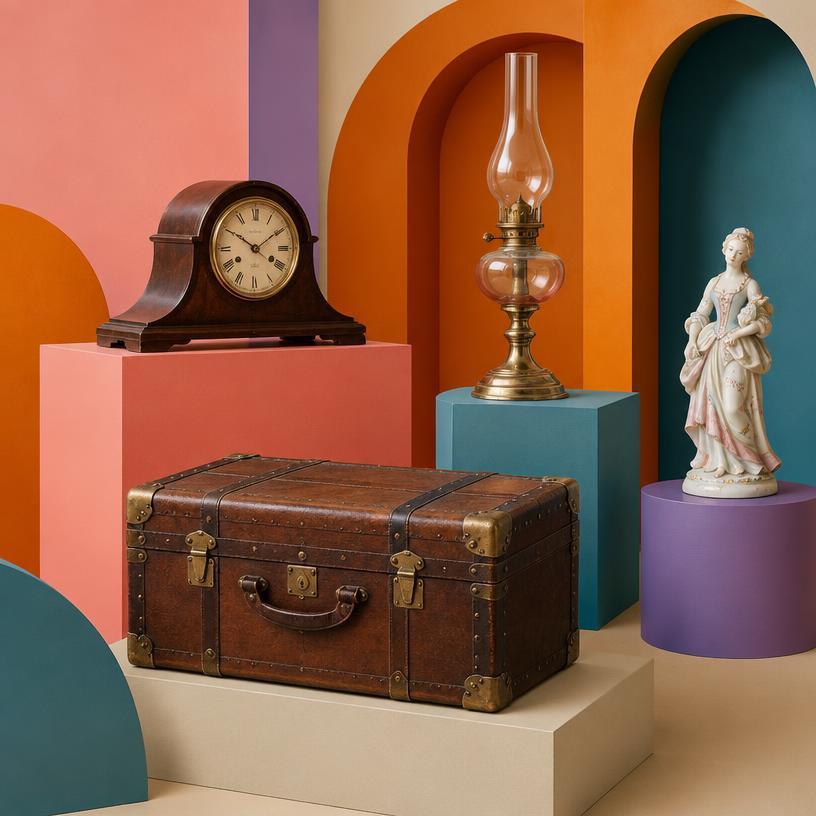
Sample lot 001 · Antiques
Real software screens
Every screenshot is the actual platform, not a mockup.
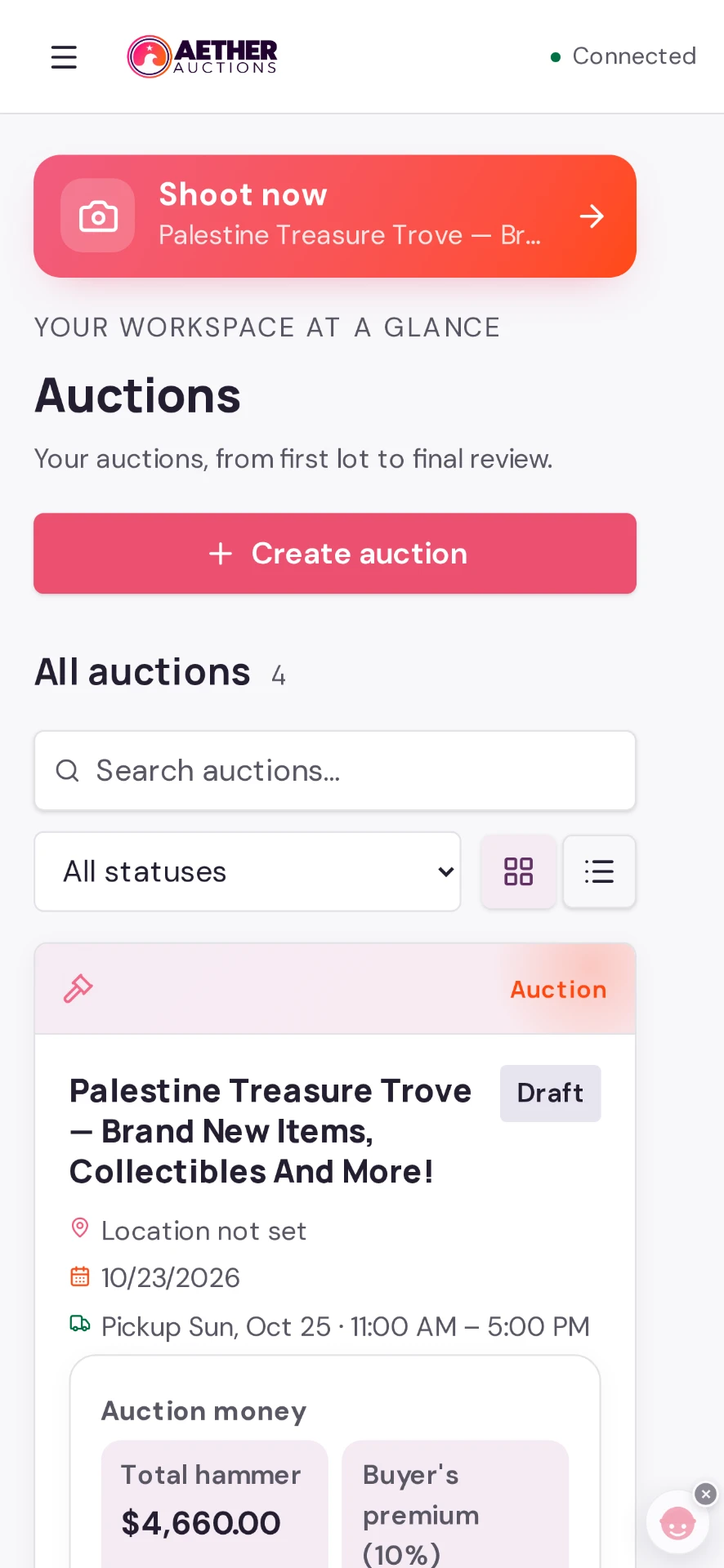
Search auctions, filter by status and see sale details together.
Photo → description
Pick a photo and watch a lot description draft. You review and approve.
Mock preview · sample text
Mock preview · preset descriptions
0 / 3 reviewed
Sample lot 001 · Antiques
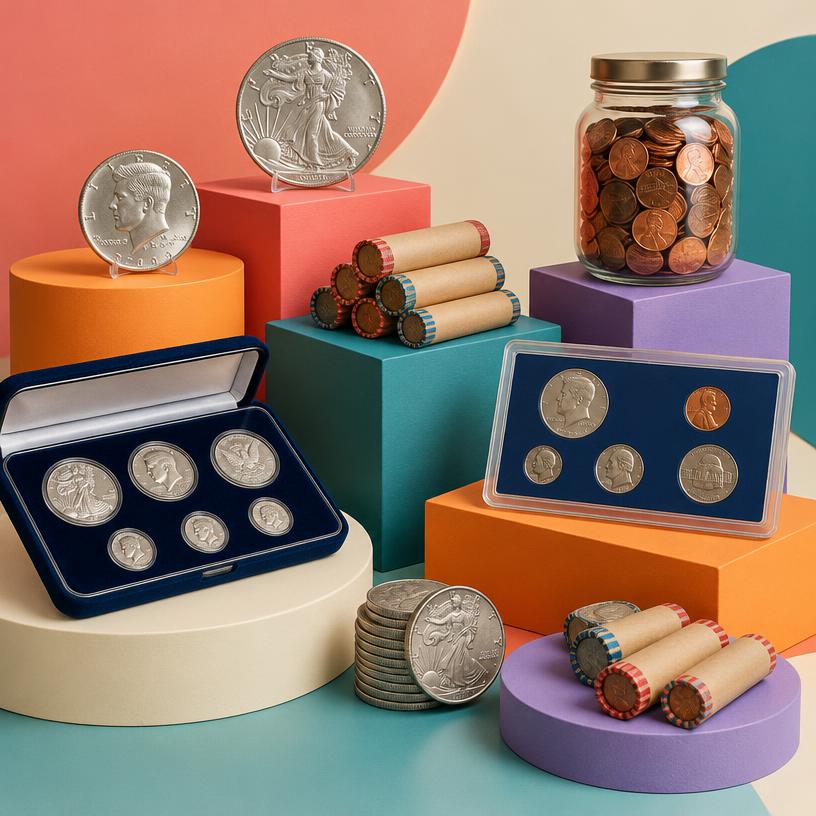
Sample lot 002 · Coins
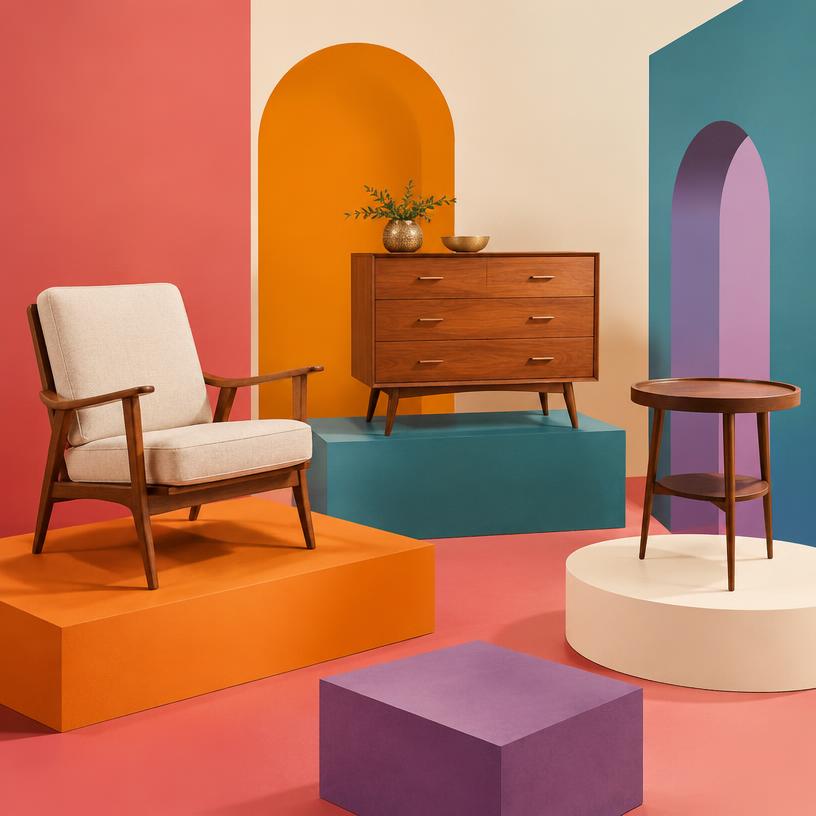
Sample lot 003 · Furniture
Fictional records and category photos. No AI runs here; nothing is published or saved.
Your crew. Your numbers.
Count total crew hours, not just elapsed time.
Cataloging labor only
0 of 4 added
Visitor-supplied measurements, not promised savings. Excludes Salehaus percentage fees, setup, taxes and other operating costs.
Why it's the headline benefit
Every aspect of running online auctions is built into the back-end software, and cataloging is where the hours come out.
From photos to published lots in a fraction of the time.
One cataloger can do what used to take a team.
Leads, contracts, bidding, pickup, settlement — one back end.
The next move is yours
See cataloging, auction creation and the full back end walked through end to end in your demo.