



Inside Salehaus

Salehaus. The whole
auction operation.

From first inquiry to final settlement — the work around every online sale, not just the bidding screen.

Real auction operator example · Aether Auctions

Built in the business.
Not on the sidelines.

Indianapolis, Indiana

Our team has completed thousands of auctions. Salehaus brings that operator experience into cataloging and the rest of your online-auction workflow.

Explore the real Aether bidder-site archive. Ask for a walkthrough of cataloging, crew hours and closeout from one of our sales.

Inside a real auction / Evidence to collect

Published catalog & lot count

Awaiting verified records

Recorded cataloging hours & crew

Awaiting verified records

Reviewed closeout records

Awaiting verified records

A documented case study will connect the real catalog to actual work records. No sample figures stand in for results.

Team experience, not a Salehaus customer testimonial. No measured time or crew savings are claimed here.

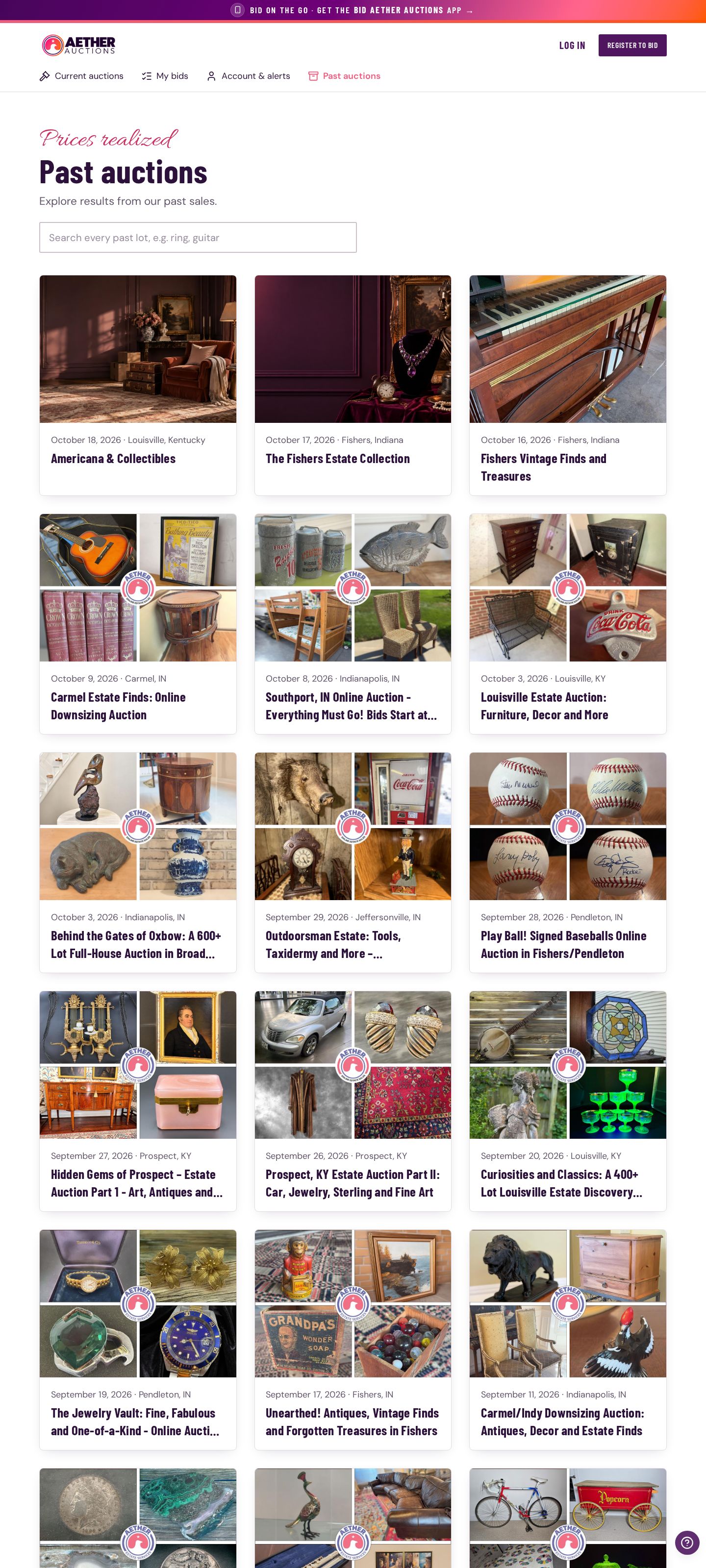
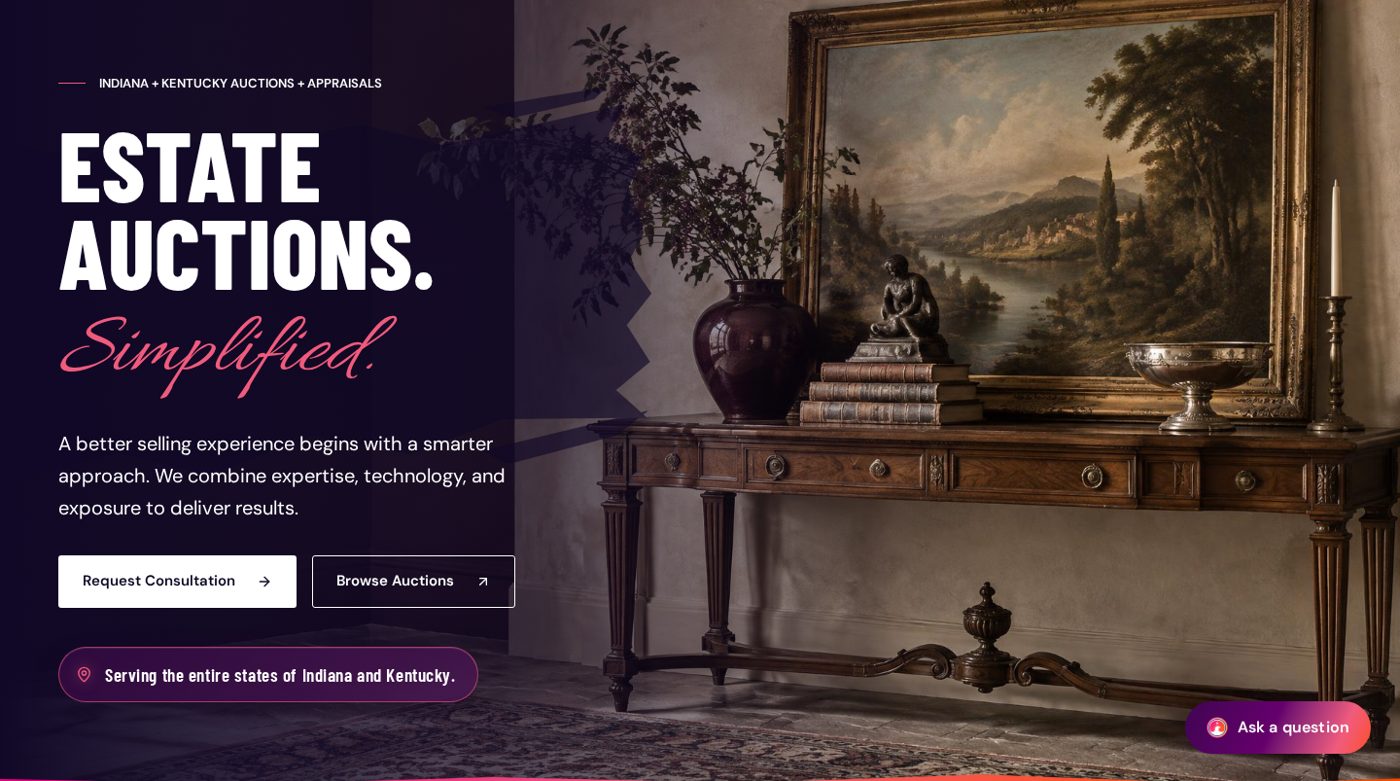
Aether Auctions · Past auctions
Real Aether Auctions past auction archive
Real bidder-site screenshot. A detailed auction case study needs verified crew and cataloging records.

One fictional lot / Every part connected

Follow the lot.
Not six different systems.

Sample antiques collection for fictional lot 047
LOT 047Maple House Estate · Sample

Start where the item is.

Your crew captures photos and checks condition before drafting the lot.

Illustrative workflow · Not a real transaction

Antique clock, lamp & trunk

Lot 047 / Photos

Photos → condition notes → lot draft

Include overall views, identifying marks and any wear. This example uses an existing collection photo, not a camera capture.

1 / 6 · Photos

The everyday unexpected

Not every day goes to plan.
Keep the details close.

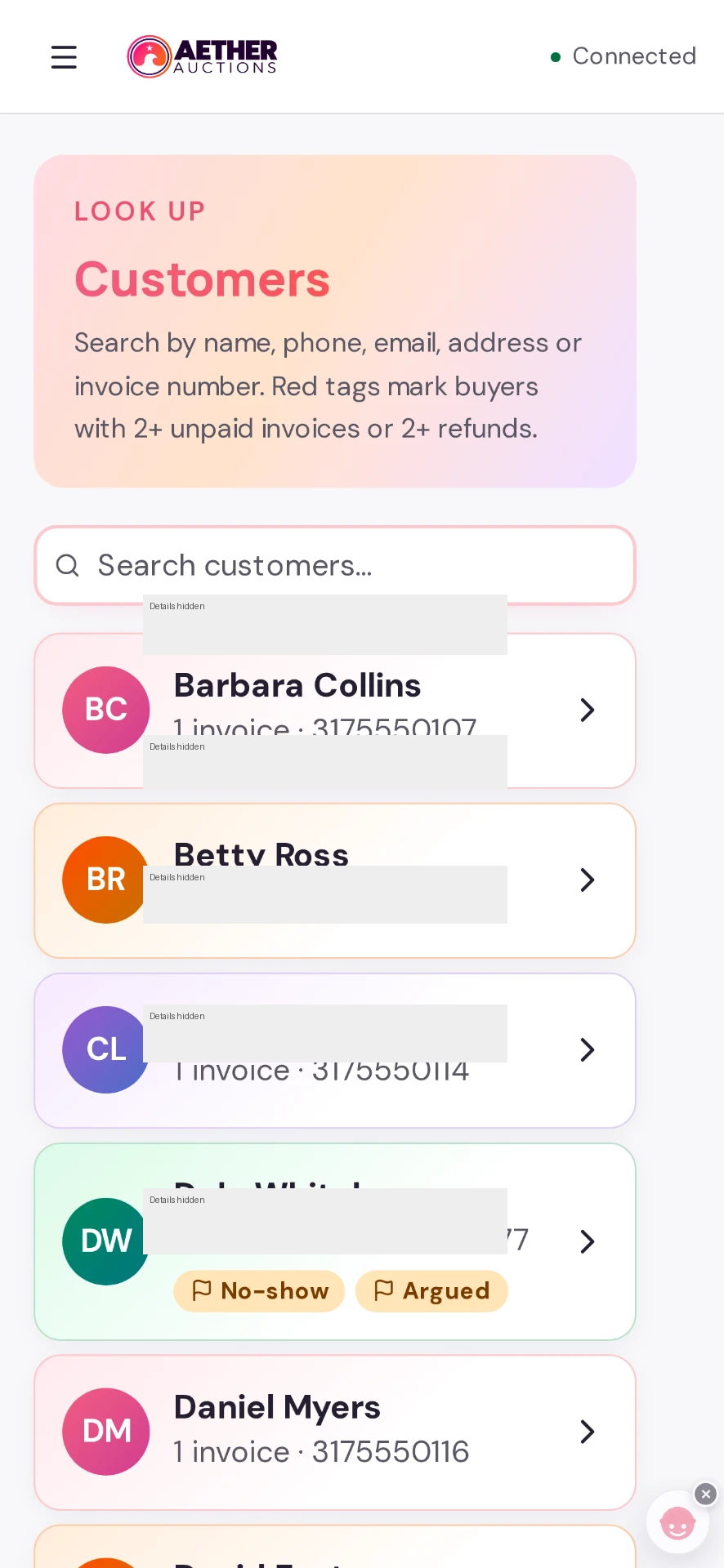
Which customer and invoice are we looking for?

Search the customer record, review invoice counts and buyer flags, then handle the question with the sale details at hand.

Fictional scenario

Customer record not yet matched

The screenshot is real; the interactive example is illustrative and does not change it. Confirm supported actions in your demo.

Salehaus employee app — Customer lookup
Real app screen / Customer lookup

See the work, not just the claims

Photos to lots.
The real walkthrough.

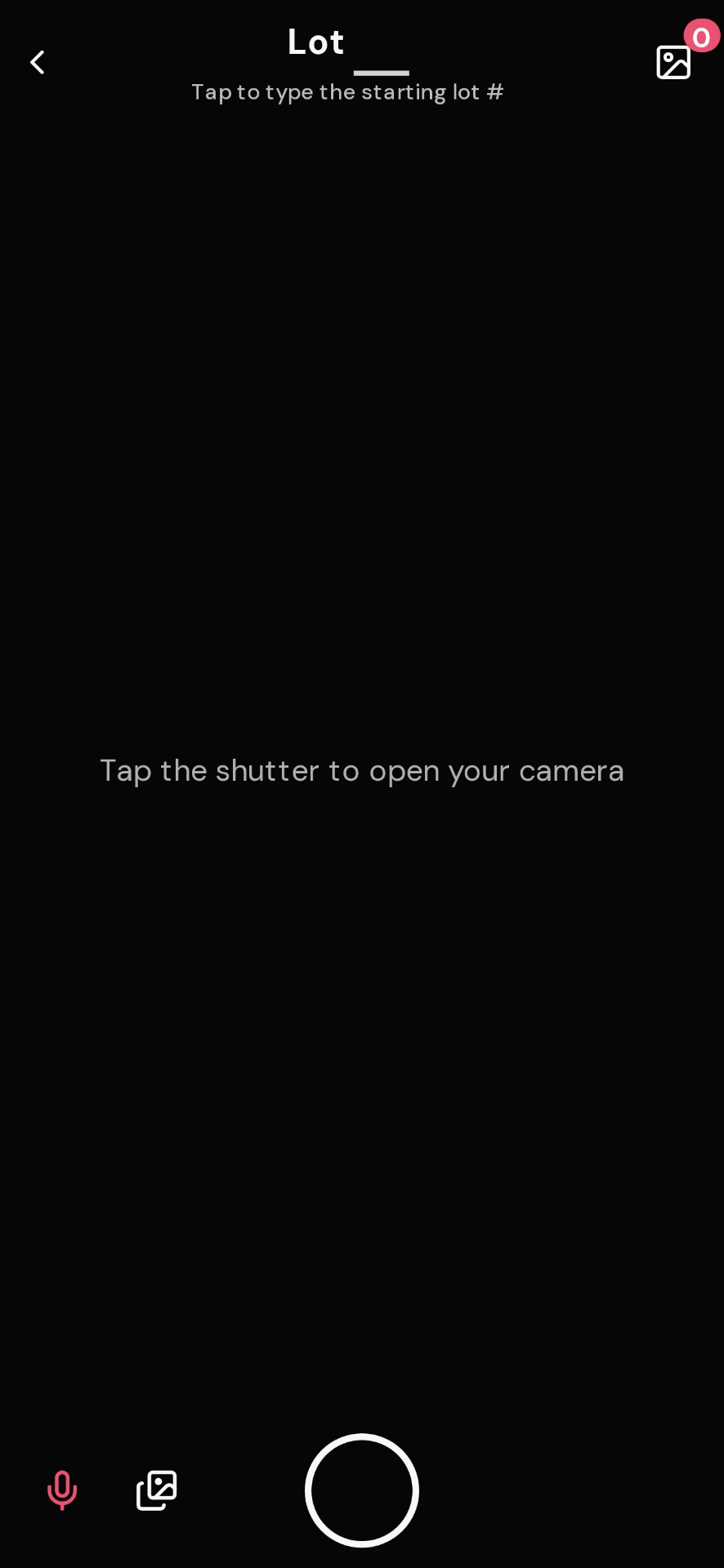
A real cataloging recording will show photo capture, draft review and several completed lots, with elapsed time visible.

Recording pending · No measured speed claim

Salehaus employee app — Quick photo capture
Real photo-capture screen · Not video footage

The product in focus / 01

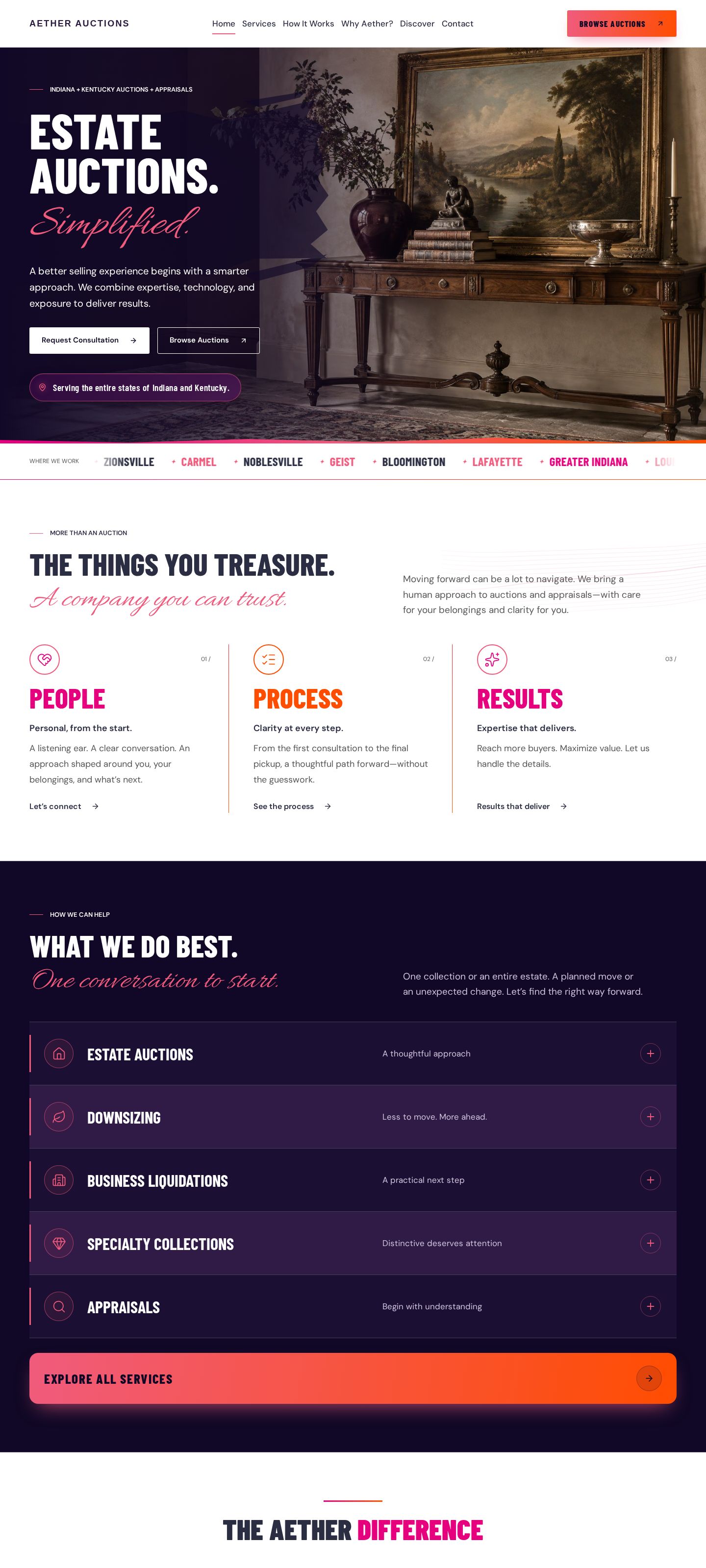
The public face.

A branded home for your services, auctions and seller conversations.

Your company’s first impressionReal Salehaus website screenshot
Real Salehaus website screenshot — desktop view
Try the clickable sample workspace

Where auction work happens

Your team. In the field.
Connected to the work.

At the kitchen table, on the cataloging floor, at pickup and back in the office.

Illustrative auction consultant using a tablet during a seller home visit

At the client’s home

Bring seller details into the conversation and plan the next step together.

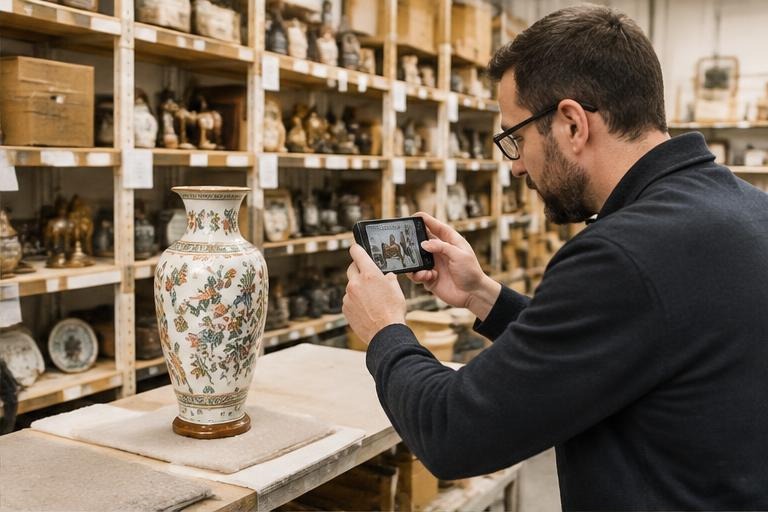
Illustrative auction cataloger photographing a ceramic vase with a smartphone

On the cataloging floor

Capture lot photos where the objects are, with the sale preparation close at hand.

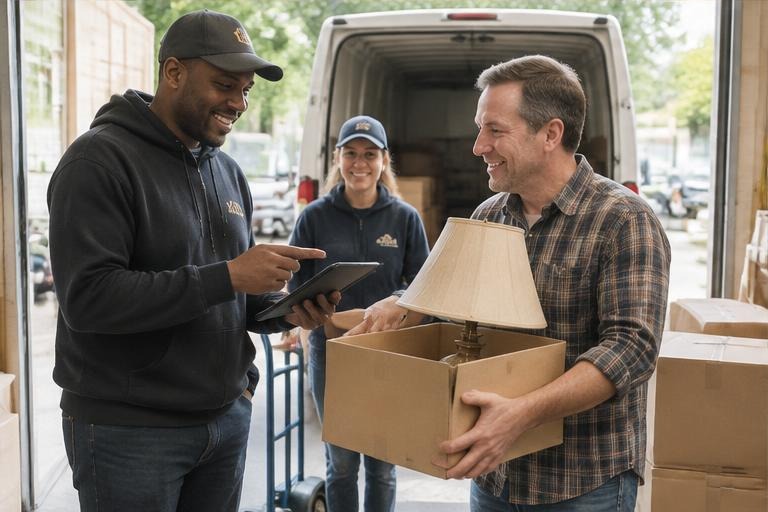
Illustrative pickup crew checking a tablet as a buyer collects a boxed lamp

At buyer pickup

Keep appointment and invoice information with the crew handling collections.

Illustrative auction team reviewing item thumbnails on an office laptop

Back at the office

Review the catalog and coordinate the work with your team.

AI-generated illustrative scenes, not actual Salehaus staff or product screenshots. Real website and app screens appear below.

01 / Your customer-facing business

A website with a job to do.

Real pages from the Salehaus website. Your branding, service area and package details are agreed during setup.

Salehaus website · Your public homepage
Salehaus public homepage

Your public homepage

A recognizable home for your business — somewhere prospects can learn about you before they call.

02 / From first conversation to final closeout

More of the work connected.
More room to build your business.

Your brand in front. Our platform underneath.

01

Advertising & auction promotion

Turn auction details into an organized promotion workflow.

Prepare graphics, captions and email content around each sale, with review and approval built in.

  • Auction-related promotional content
  • Crew-leader approval and publishing workflow
  • A branded website destination for seller and bidder interest
02

Client meetings & seller relationships

Arrive with context. Leave with a clearer next step.

Seller inquiries, walkthrough scheduling and customer records, connected to your company calendar.

  • Seller intake and lead follow-up
  • Walkthrough scheduling and company calendar
  • Customer records, contracts and agreement documents

03

Preparation & cataloging

Make the work before bidding easier to coordinate.

Capture lot photos, edit descriptions and review catalog readiness before launch.

  • Photo capture and lot editing
  • Review and completion checks
  • Search across lots and auction reporting

04

Pickup days & buyer handover

Treat pickup as a planned operation—not an afterthought.

Pickup days, buyer invoices, appointments and handover status in one workflow.

  • Pickup-day overview and per-auction workflow
  • Buyer appointments, invoices and payment information
  • Pickup status tracking and calendar coordination

05

Settlements & seller communication

Close the sale with a clearer financial story.

Results, expenses and seller settlements in the closeout workflow, with shareable statements.

  • Settlement calculations and closeout
  • CSV results and payout/report documents
  • Shareable seller statements

06

Crew coordination & daily operations

Give the people doing the work a shared place to stay aligned.

Calendar, crew board, hours, expenses and bulletins — with role-based team access.

  • Team access and onboarding
  • Crew board, hours and expenses
  • Company calendar, bulletins and crew payouts

03 / The employee app · 19 screens

Behind the public website.

Actual uploaded app screens covering cataloging, promotion, seller relationships, pickups and crew operations. Identifying details are hidden. Some screens contain demo records; shown figures are not customer results. Confirm package access in your demo.

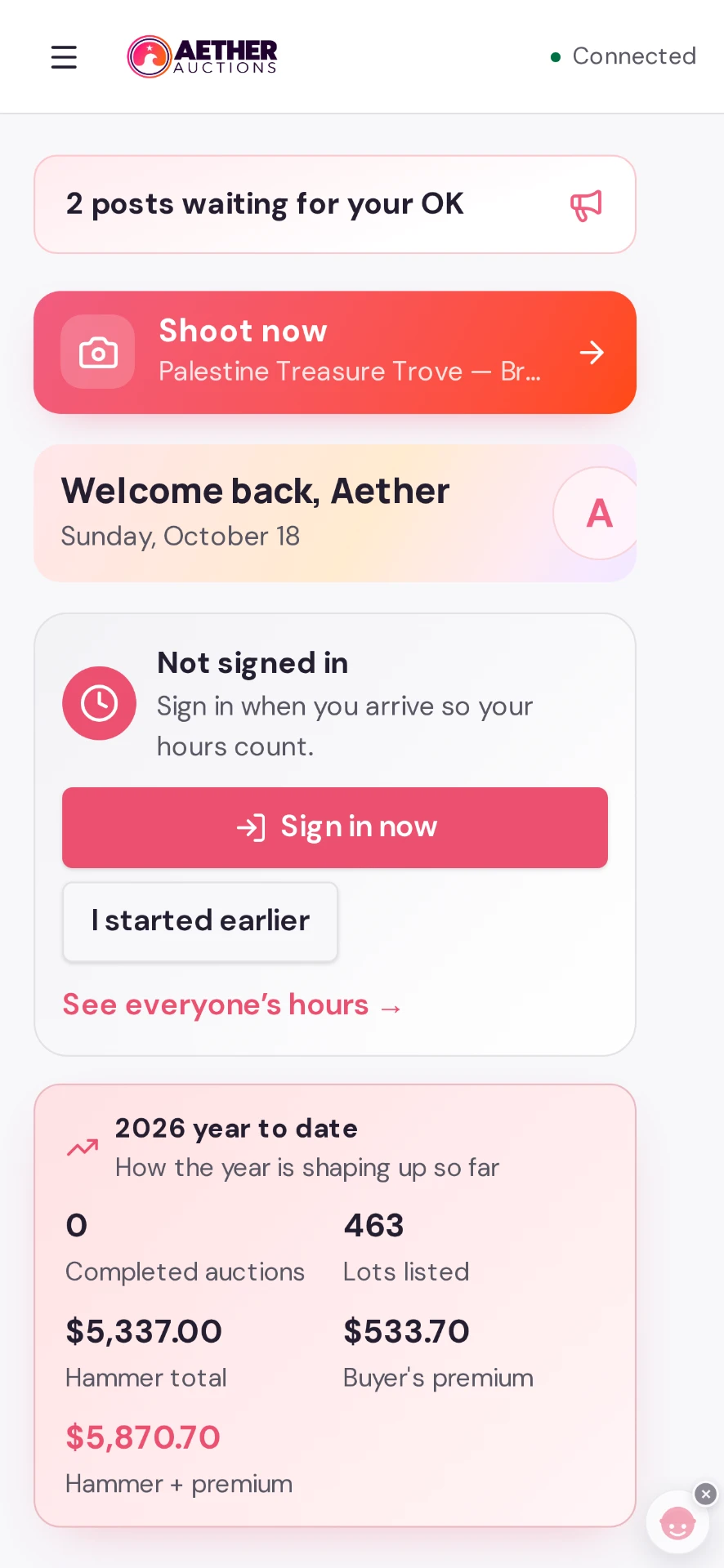
Salehaus employee app · Daily overview
Salehaus employee app — Daily overview

Daily overview

Crew time tracking, posts waiting for approval and a shortcut to photo capture.

One view of the dates

Walkthrough, auction preparation and pickup dates share the company calendar.

Agreements close to the work

Create contracts, generate agreement documents and keep contract scans alongside the workflow.

Find the lot again

Search across lots when a buyer, seller or crew member needs a specific item.

A private team workspace

Invitation-based access and assigned roles separate the public website from your company’s working tools.

04 / Your operation. Your agreement.

You run the business.
Salehaus supplies the software.

Your company owns the client relationships, runs the advertising, prepares the auctions and handles pickups. The fees cover white-label software—not a managed auction service or supplied crew. We’ll confirm software access, onboarding and support before you commit.

The next move is yours

You've seen the screens.
Now see it run.

We'll walk through the pages you just explored and answer anything along the way.

Book a Demo